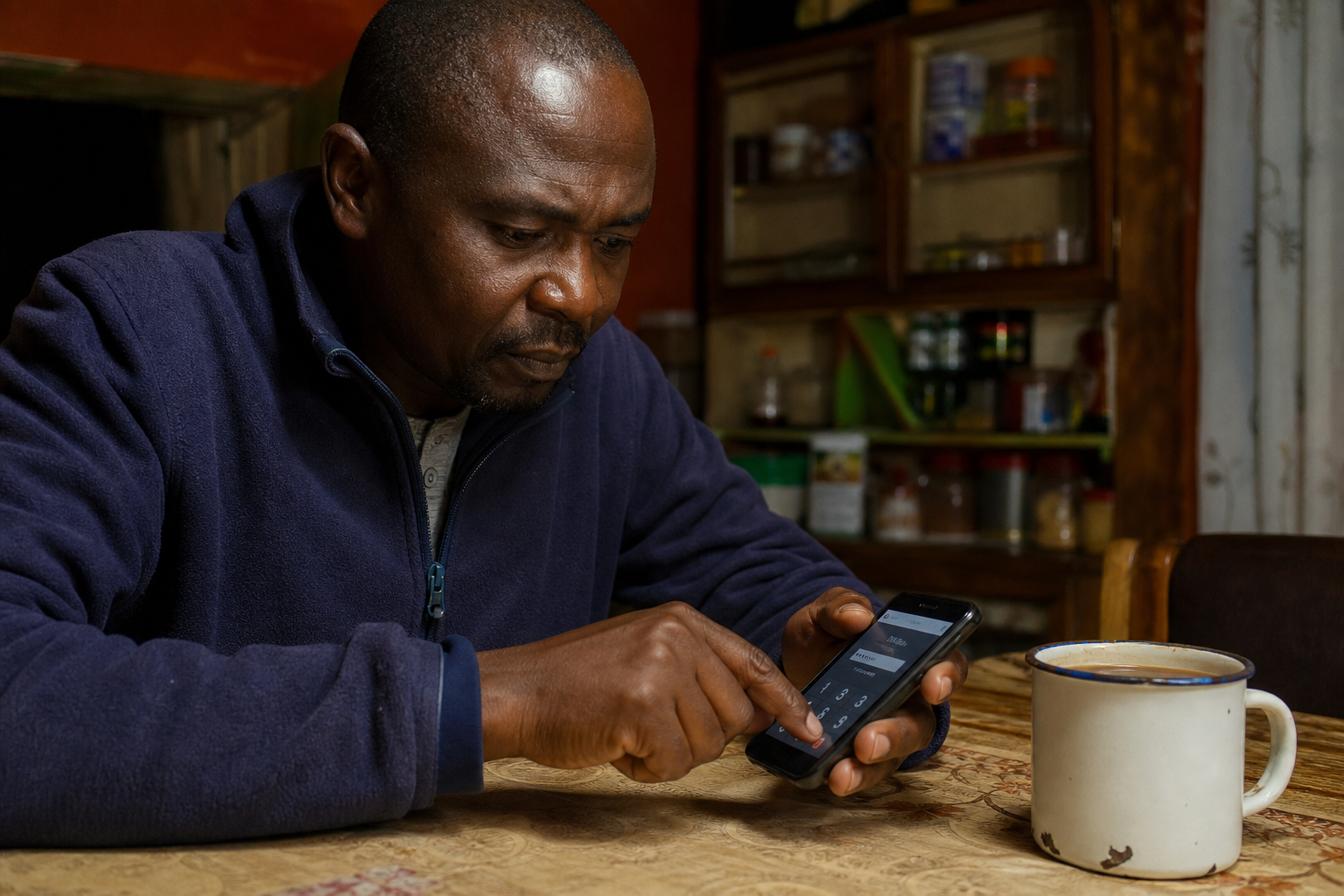
Juice kiosk attendant tapping a phone at the till in the morning

STEP BY STEP

From sign-up to a reconciled sale

No training day, no consultant, no hardware. Here is the whole journey — from email OTP to yesterday's till in your inbox.

Start free trial
1

Day 0

Quick setup

Start in minutes

Sign up with your name, shop, email and password. Verify the email OTP, then finish shop setup: category, GPS pin and where money should land. Your 3-day trial starts when onboarding completes.

Salon attendant filling shop details on a phone at the reception desk
2

Day 0

Load your products

Scan, price, reorder

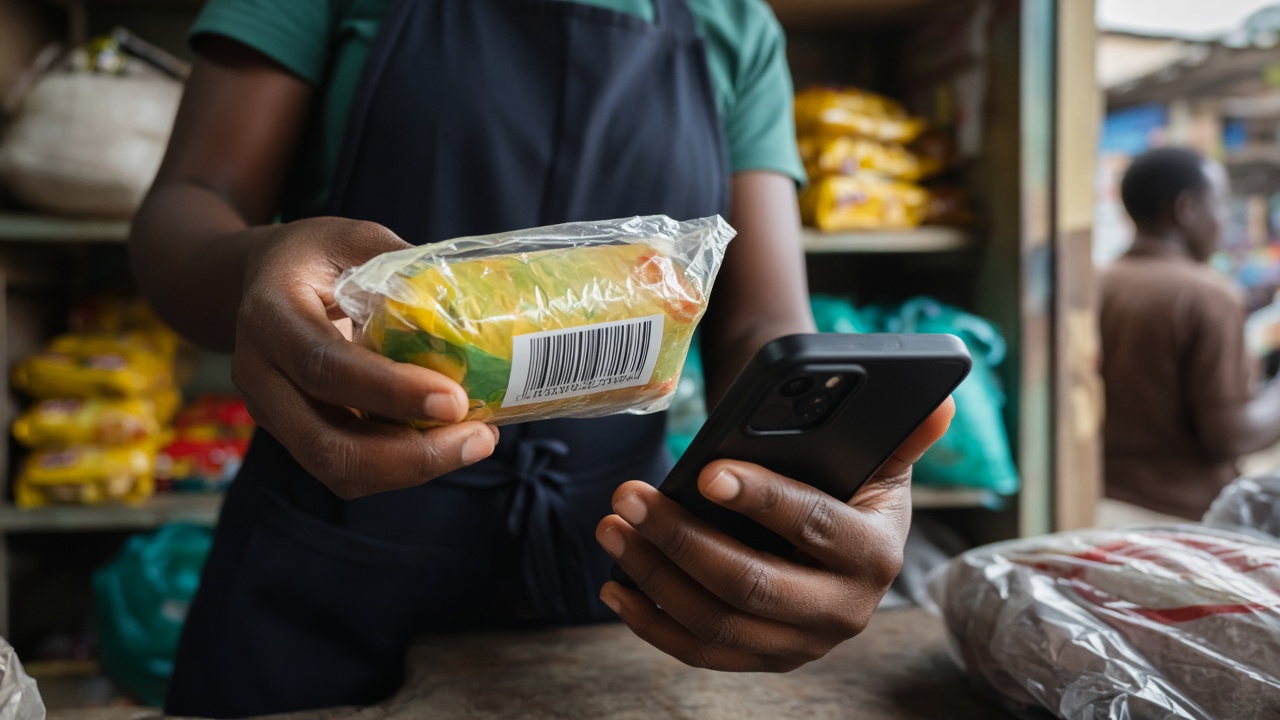
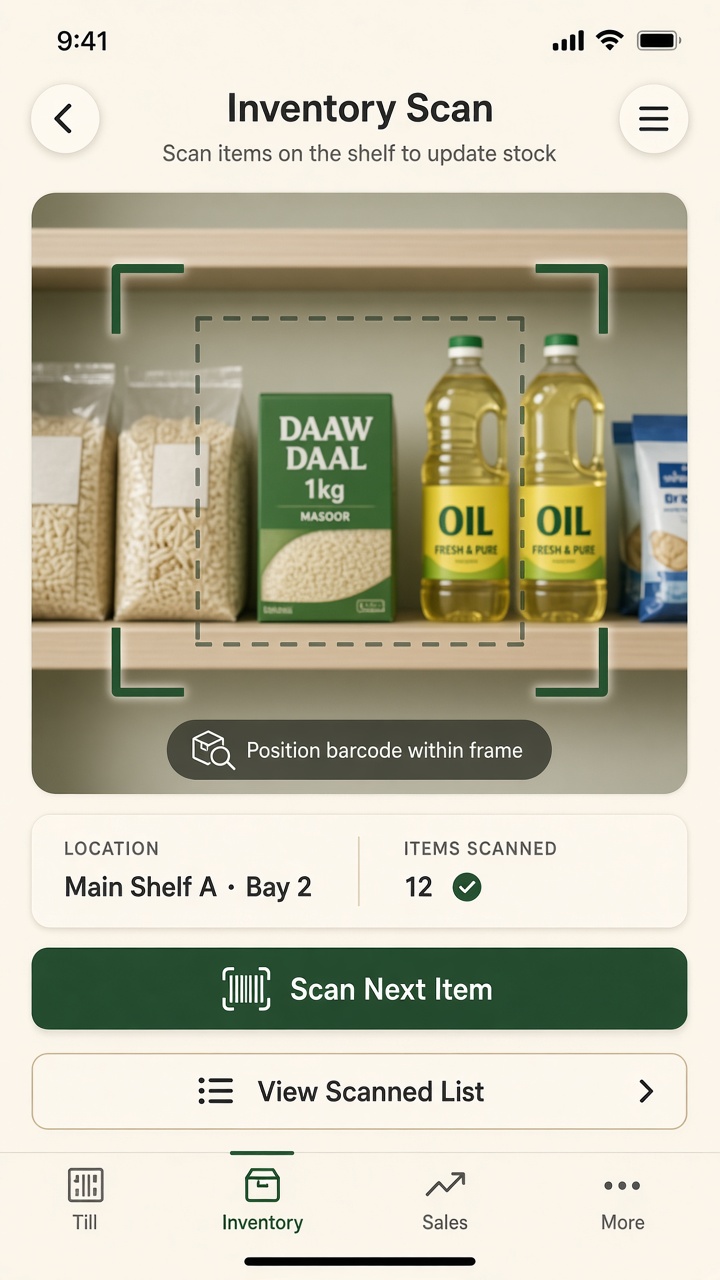
Add products by name or scan barcodes with the phone camera. Set cost price, selling price and a reorder level so InuaBiz can warn you — in the app and by email — before you run out.

Hands scanning a maize flour barcode with a phone camera in a grocery
3

Every day

Sell at the counter

Fast checkout, cash or STK

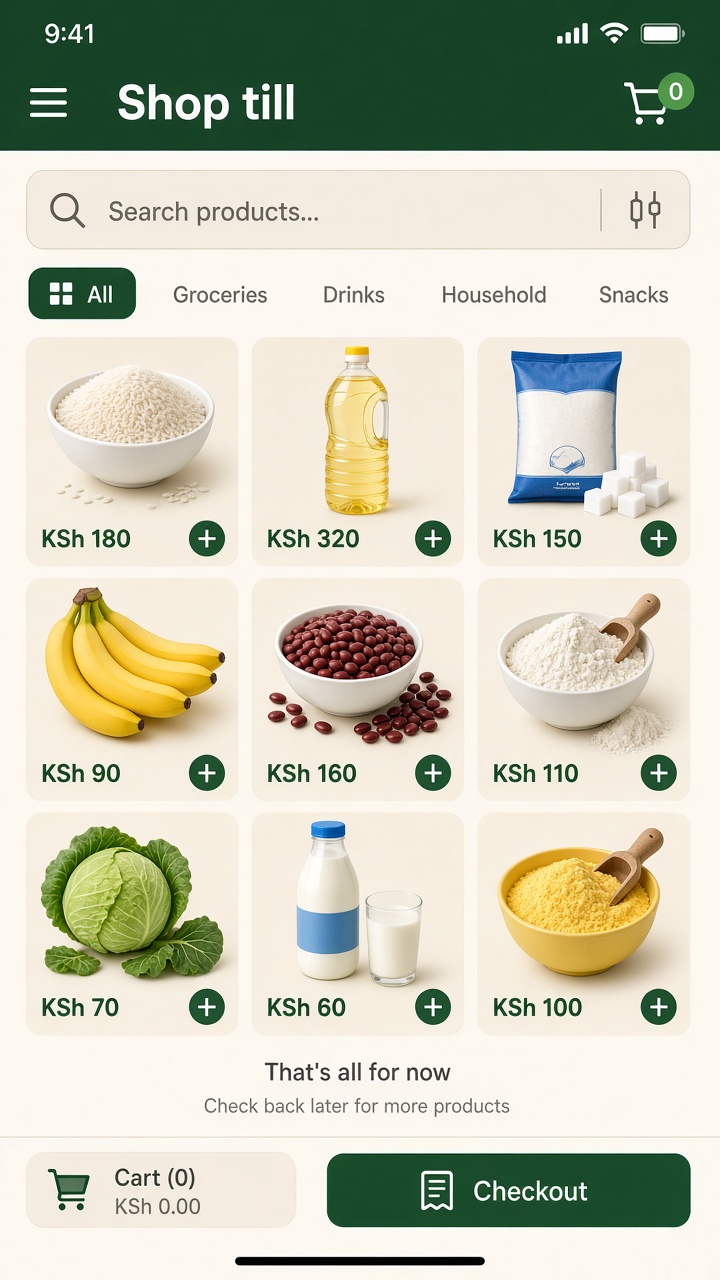
Tap products into the cart, apply a discount if you want, then choose cash, credit or M-Pesa. For M-Pesa, enter the customer number and an STK prompt appears on their handset.

Nyama choma attendant taking an order on a phone at lunch rush
4

Instantly

Payment confirms itself

Matched to the sale

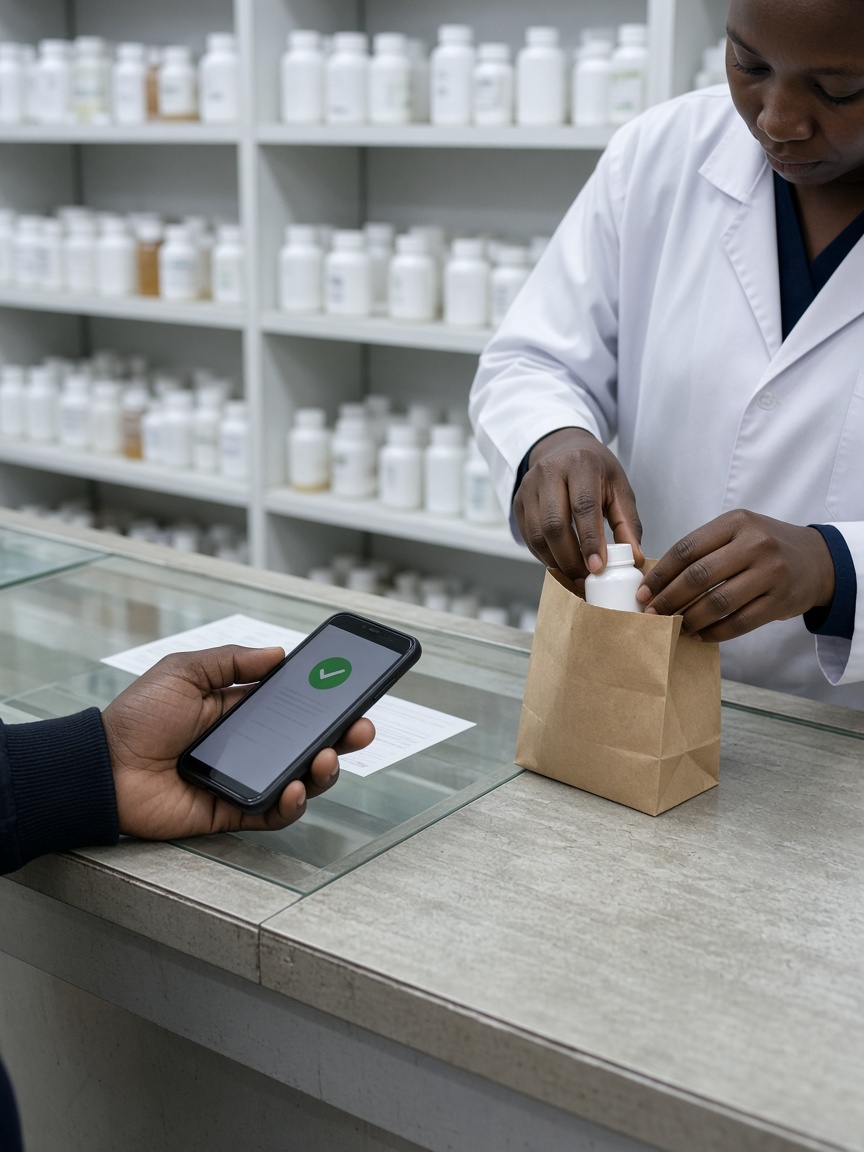
When the customer enters their PIN, the confirmation is matched to the sale. Stock decrements and a fiscal invoice number is issued. Turn on Settings → Send email receipt if you want a shop copy.

Customer at a butcher counter looking at a phone while waiting for a parcel

ALSO IN THE LOOP

Credit, invoices, and the morning after

A looping carousel — the rest of the till, without another wall of steps.

Auto-loop

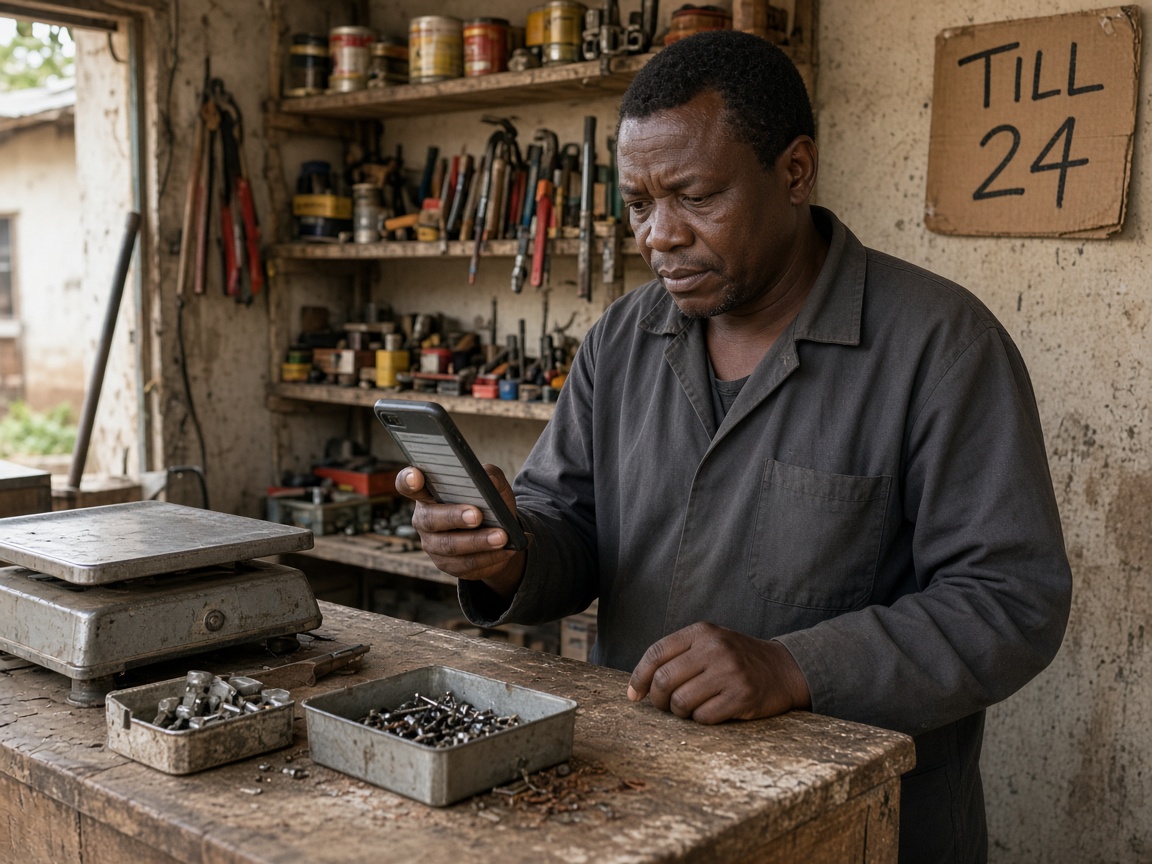
Vendor showing a failed payment on a phone next to a handwritten till number05

WHEN IT FAILS

Clear fallbacks, never a lost sale

Wrong PIN, timeout or cancellation shows a retry and your Till or Paybill as backup. Stuck payments re-check after three minutes.

See how it lands on the till →
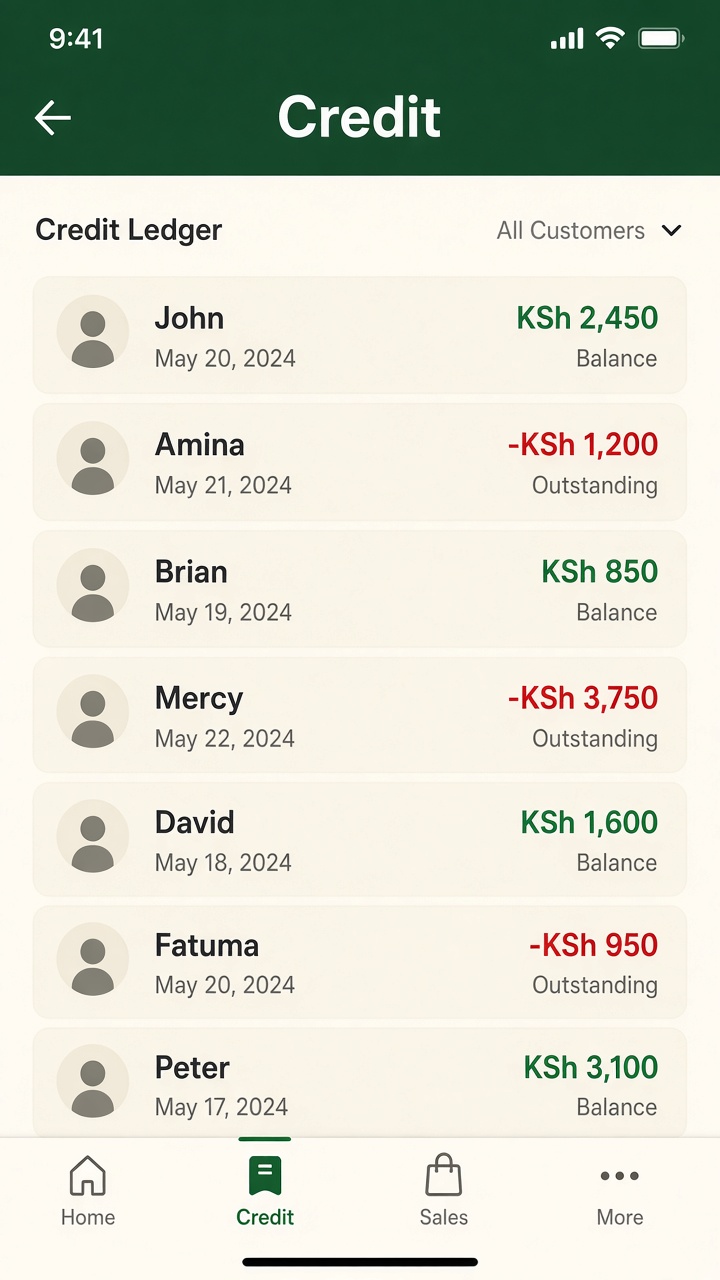
Open kukopesha debt ledger with names, dates and shilling amounts06

ON CREDIT

Record kukopesha properly

Give credit in two taps against a customer's phone. Balances and due dates live on the ledger. Email yourself when someone is overdue.

See how it lands on the till →
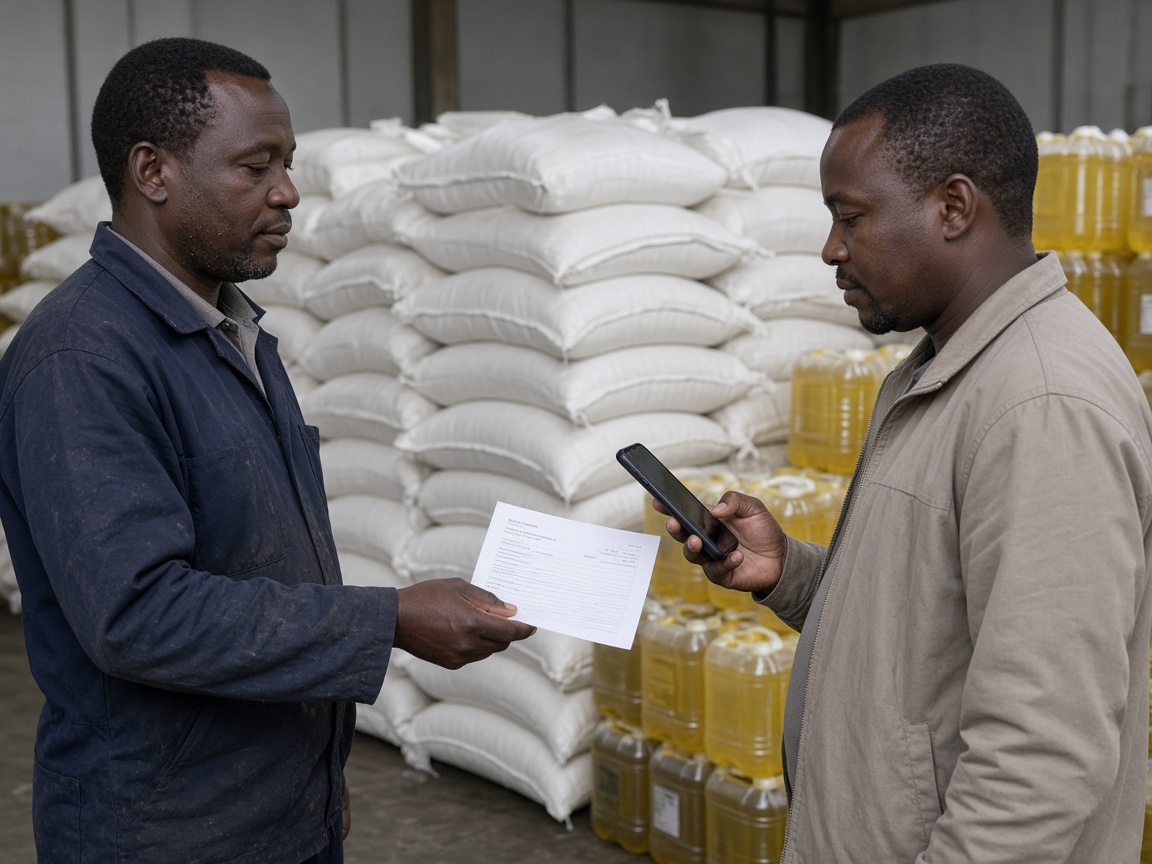
Wholesale counter handing a printed invoice to a buyer07

WHOLESALE

Invoice the buyer on M-Pesa

Create a bill with name, phone and optional email. It can land in Bill Manager. Unpaid past due date gets an overdue note.

See how it lands on the till →
Shopkeeper reading yesterday's till summary on a phone with morning chai08

NEXT MORNING

Yesterday's till, in your inbox

A daily summary of sales and M-Pesa lands at 6am EAT. Low stock and trial-ending notes arrive when they matter.

See how it lands on the till →
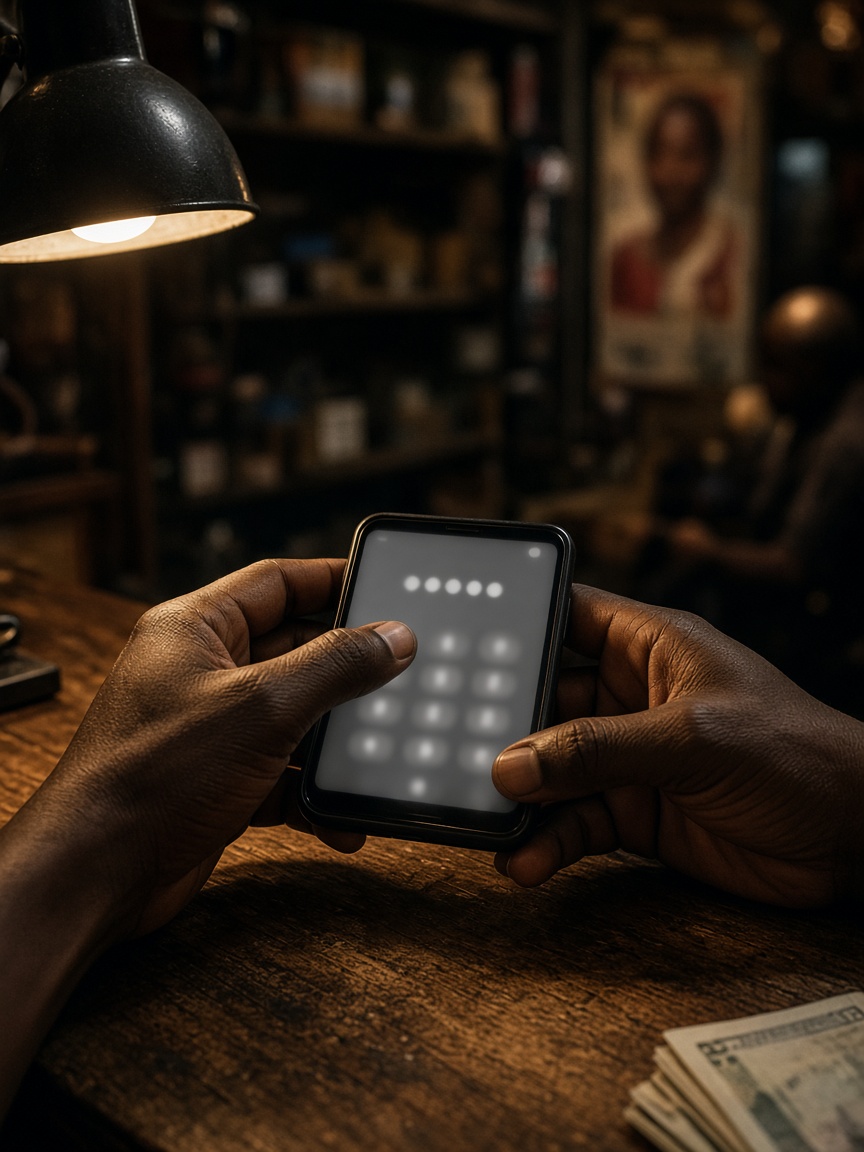
Hands entering a PIN on a phone to renew a shop subscription09

DAY 3

Subscribe with one PIN

An STK prompt for Ksh 3,000 per shop arrives on your number. Approve it and access extends 30 days.

See how it lands on the till →

Ready to try it on your own counter?

3 days, full access, nothing to pay upfront.

Start free trial